
SVG vs PNG for logos: which format to use (and when)
Keep a path-based SVG as your logo master and export PNG where raster uploads are required. SVG can also contain embedded raster images, so the extension alone does not prove vector quality. For print, agree the required PDF content and settings with the printer.
On this page
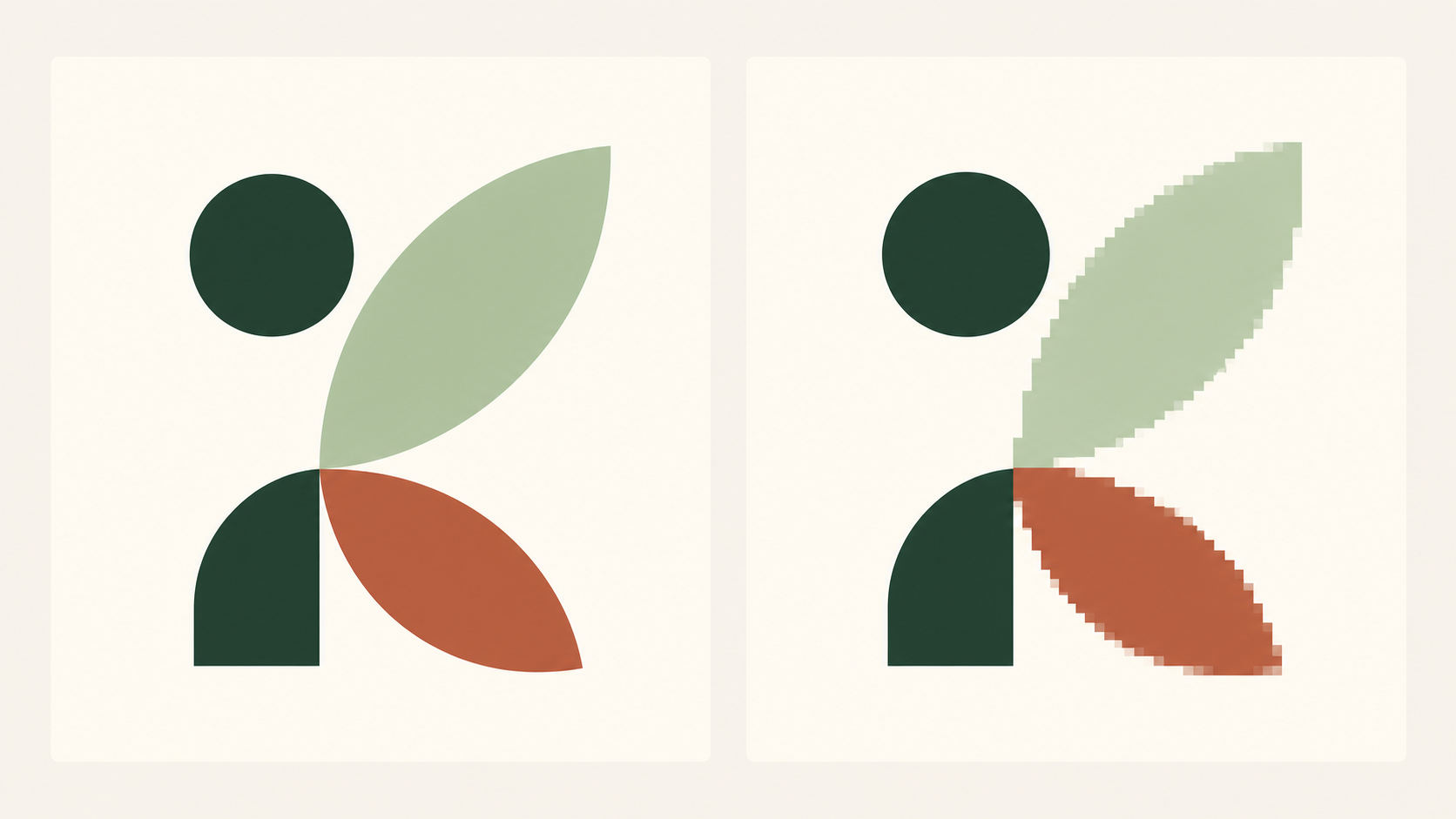
What is the difference between the files?
PNG stores a fixed pixel grid; the PNG specification allows transparency, but does not require it. Enlarging that grid cannot recreate missing detail. SVG can describe paths, curves and fills that are rendered at the output size. However, SVG also supports embedded PNG and JPEG images. A low-resolution bitmap inside an SVG remains a low-resolution bitmap.
LogoSaga’s logo SVG uses outlined paths rather than live text or embedded raster. Keep that file as the master. An unfamiliar SVG from another supplier should be checked in a vector editor before it is treated the same way.
Which destination needs which format?
| Destination | Starting choice | Check before use |
|---|---|---|
| Website | Path-based SVG | Supported embedding and readable small size |
| Profile or raster-only tool | PNG | Required dimensions, crop and transparency |
| Browser favicon | Supported SVG plus suitable raster fallback | Browser and search requirements separately |
| Printer-approved vector file or PDF | Actual content, colour and production settings |
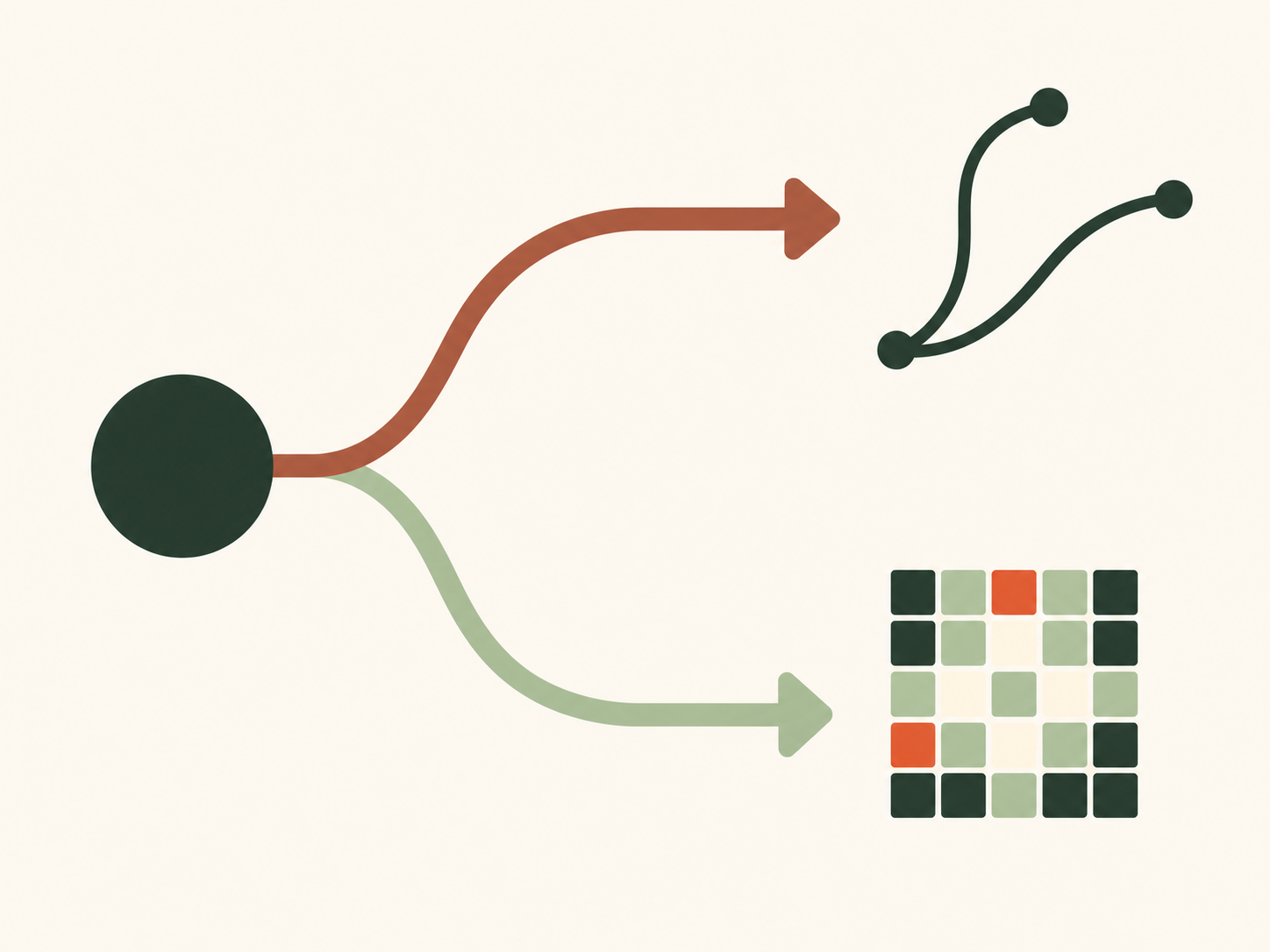
How do you export for a website?
Suppose a small café needs a header logo displayed at 160 pixels wide. Choose a horizontal layout that keeps the name readable, export SVG, select the light or dark artwork variant for the intended surface, and choose transparent if the website should show through. Insert the actual file and preview desktop and mobile sizes. A path-based SVG prevents raster enlargement; it does not rescue a tagline too small to read.
If the publishing tool accepts only PNG, export a fresh 512, 1024 or 2048-pixel version from LogoSaga, then display it smaller as appropriate. Inspect the result on the real page instead of judging only the full-size download. The width choice does not imply a square canvas.
How do you export for a square profile tile?
For a shop profile, choose a compact symbol or stacked layout, select PNG at 1024 pixels as a useful starting point, and decide between transparent and solid background. These are actual export options; the correct choice depends on the destination. Place a rectangular export on a separate square canvas in an image editor when needed; do not squeeze it into a square.
Check the final dimensions and byte size, preview its crop, and inspect it on light and dark surfaces. Keep the SVG and make future PNGs from that master rather than from the reduced profile file. The Google profile guide gives a complete destination-specific example; transparency checks catch white boxes and halos.
Does PDF mean vector print quality?
No. A PDF is a container that can include vector objects, raster images or both; Adobe’s PDF settings documentation distinguishes those contents. Ask the printer about format, profile and required settings. Do not promise identical printed colour from a screen preview.
LogoSaga’s bundle includes brand-sheet.pdf, a one-page identity reference produced from a raster image. It is not the same as a vector production PDF of the logo. Keep the path-based SVG and arrange any required print conversion with the printer or a suitable vector editor. AI is an Illustrator working-file format; EPS is a legacy exchange format some suppliers still request. Use whichever the supplier actually supports.
Can PNG be changed into a vector?
Renaming a PNG or wrapping it inside SVG changes the container, not the pixel artwork. Tracing instead reconstructs shapes and can change curves, spacing and small details. Compare a trace with the original at normal and small sizes; if the true vector exists, use it. LogoSaga does not provide upload-based PNG vectorization.
JPG has no ordinary alpha transparency and uses lossy compression. Avoid it as the master for sharp logo artwork; a destination may nevertheless require or accept it for a deliberately solid tile.
What about favicons and small details?
Browser support for SVG favicons and Google Search’s published favicon format list are separate matters. Follow the favicon guide and its current Google source rather than assuming one SVG covers every surface. Choose a simplified mark for small uses: a vector can be technically sharp and visually unreadable.
Retain a master and purpose-labelled exports. The file checklist helps keep profile, browser and print files distinct.
Create a logo and choose SVG or PNG exportFrequently asked questions
Is SVG better than PNG for logos?
Path-based SVG is useful for scaling and as a master. PNG remains appropriate for destinations that require raster uploads. An SVG containing a small raster image cannot recover that image’s detail.
Does SVG always stay sharp?
Vector paths are rendered at the output size, but embedded raster remains limited by its pixels. Very thin lines and tiny lettering can still become unreadable at small sizes.
Why is my PNG blurry?
It may be displayed beyond its pixel dimensions or repeatedly resized. Export fresh from the original at a suitable width instead of enlarging a small copy.
Can JPG ever be used?
It may be accepted for a deliberately solid-background upload. For crisp logo artwork and transparency, PNG or supported path-based SVG is usually preferable.
Which file should I give a printer?
Ask for its preferred format, vector content, colour profile and production settings. A PDF may contain raster or vectors; LogoSaga’s brand-sheet PDF is a raster reference sheet, not a guaranteed vector print master.