
Logo file formats and sizes: the complete checklist
You do not need dozens of logo files — you need one vector master and a short set of exports from it. Keep an SVG as the source, export PNGs for raster placements and a favicon set for browsers, and hand printers a vector PDF. This checklist maps each format and size to where it is used. What the LogoSaga package contains.
On this page
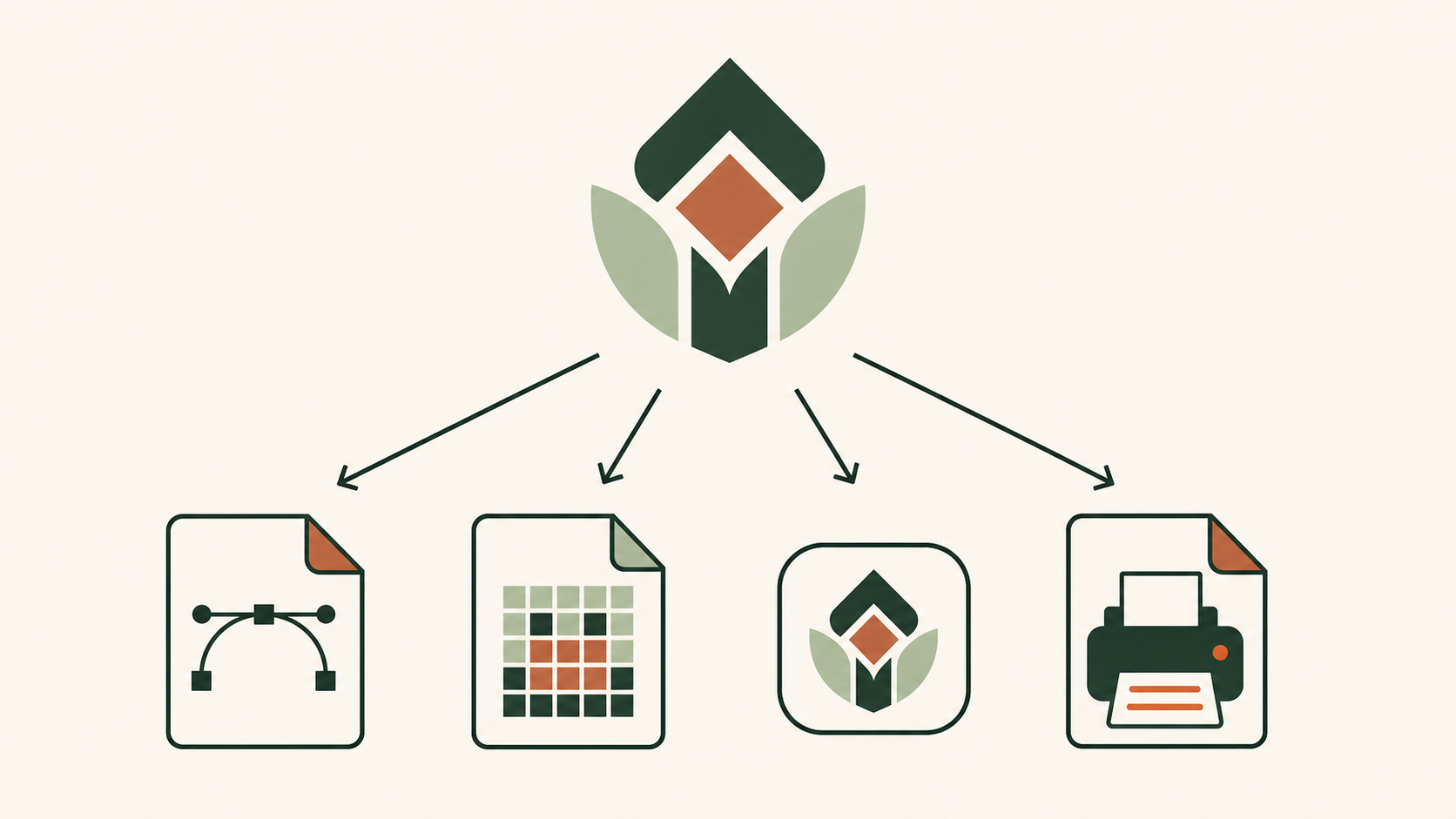
Start with one master, export the rest
The golden rule of logo files: keep a single vector master — an SVG — and generate every other file from it. Because vectors scale without losing quality, you can produce any size or format later. Exporting from a raster file instead is how logos end up blurry. For the full reasoning, see SVG vs PNG for logos.
The formats you need
- SVG — your master, and the format for the web. Scalable and tiny.
- PNG — for fixed-size raster placements: social avatars, some email and document tools. Supports transparency.
- Favicon set — an SVG favicon plus small PNGs and an ICO fallback for browser tabs. See how to make a favicon.
- PDF — a document container that can include vector artwork, raster images or both. Quality when resized depends on that content; supply the printer’s requested specification, not merely a file with a PDF extension.
- EPS — an older vector format some printers still request.
- Avoid JPG — no transparency and lossy compression that smears crisp edges.
The sizes you need, by destination
| Where it appears | Format | Size / note |
|---|---|---|
| Website | SVG | scalable; the default on screen |
| Browser tab | SVG + ICO + PNG | favicon set (32) + touch icon (180) |
| Social profile | PNG | square, at the platform's size |
| Installed PWA | PNG + manifest | 192×192, 512×512 |
| Native app | Follow the platform’s current icon asset specification; PWA sizes are not a universal native-app set. | — |
| Email / documents | PNG | a moderate fixed size |
| PDF (or EPS) | Final print size; vector content or sufficient raster resolution, as specified by the printer |
Do not forget the variants
A complete set is not just formats and sizes — it is also versions: a full-color logo, a one-color version, and light and dark variants for different backgrounds. These come from the same master and matter as much as the file type. They are part of your visual identity.
Organize and name them clearly
Keep the master apart from exports, and name files so anyone can grab the right one — for example
logo-primary.svg, logo-white.png, favicon.svg, apple-touch-icon.png, and logo-print.pdf. A
tidy folder is what makes a logo actually usable months later.
What the LogoSaga package contains
The brand bundle contains horizontal, stacked, wordmark and badge folders, each with transparent light/dark SVG and 1024 px PNG variants. It also includes three favicon sets, Apple180, Android192/512, a web app manifest, recipe.json, README.txt, LICENSES.txt and brand-sheet.pdf. The individual PNG export offers 512, 1024 or 2048 px and a transparent or solid background. Check filenames and the chosen background before handing files over.
Before sending a logo to print
brand-sheet.pdf is a one-page summary containing a raster image; it is not a vector print-ready logo PDF. Give the printer the SVG source and ask for its required PDF specification, color profile and proof. A PDF extension alone does not prove vector content. Check size in mm, thin lines, one-color reproduction and whether text is outlined. Do not infer CMYK values blindly from HEX.
Related practical guides: Transparent logo background: clean PNG and SVG exports · Google Business Profile logo: size, upload and troubleshooting
Create a logo and export the full file set — it's freeFrequently asked questions
What file formats do I need for my logo?
At minimum: an SVG master, PNGs for raster placements (like social avatars), a favicon set for browsers, and a vector PDF for print. Avoid JPG, which has no transparency and softens edges.
What size should my logo be?
There is no single size — it depends on the placement. Use the scalable SVG on the web, export PNGs at the size each destination recommends, and provide favicon sizes (32 and 180) and PWA sizes (192 and 512).
What logo file does a printer need?
brand-sheet.pdf is a one-page summary containing a raster image; it is not a vector print-ready logo PDF. Give the printer the SVG source and ask for its required PDF specification, color profile and proof. A PDF extension alone does not prove vector content. Check size in mm, thin lines, one-color reproduction and whether text is outlined. Do not infer CMYK values blindly from HEX.
How should I organize and name logo files?
Keep the SVG master separate, and name exports clearly by format and use — for example logo-primary.svg, logo-white.png, favicon.svg, apple-touch-icon.png, logo-print.pdf.
How is the brand sheet different from a print logo?
brand-sheet.pdf is a one-page summary containing a raster image; it is not a vector print-ready logo PDF. Give the printer the SVG source and ask for its required PDF specification, color profile and proof. A PDF extension alone does not prove vector content. Check size in mm, thin lines, one-color reproduction and whether text is outlined. Do not infer CMYK values blindly from HEX.
Sources
- SVG 2 — W3C
- Web app manifest: icons — MDN Web Docs
- App icons — Apple Developer
- ICC Frequently asked questions: color management and profiles — International Color Consortium
- Understand raster and vector files: PDF supports both content types — Adobe