
Favicon from your logo: browser sizes and Google Search
A favicon is the small symbol representing your site. Use the logo mark rather than a tiny full wordmark. Browser tabs, Google Search and installed web apps have different requirements; test the actual destination.
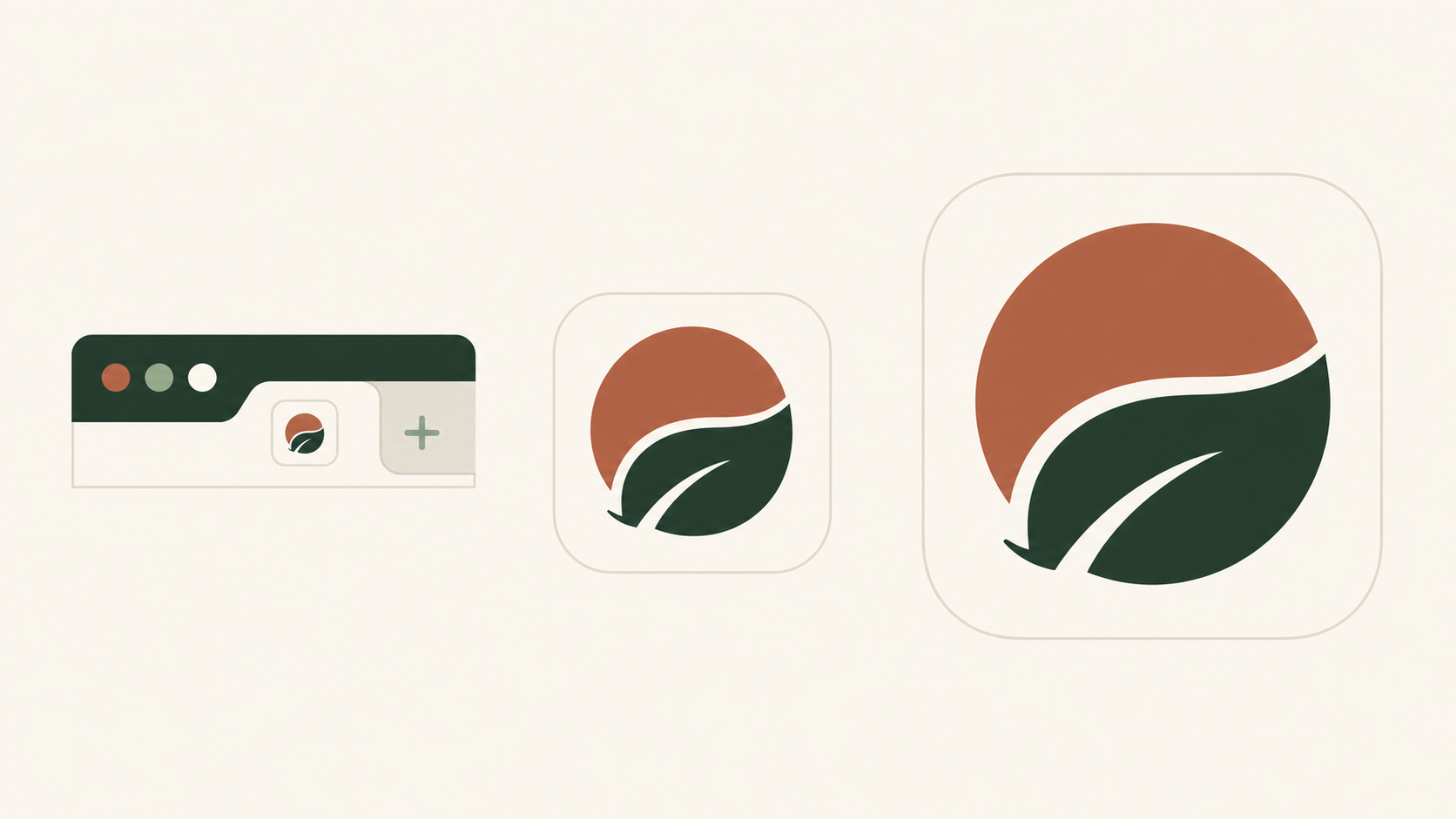
Which files belong where?
| Destination | File | Size / check |
|---|---|---|
| Browser tab | SVG / ICO / PNG | 16, 32 px |
| Google Search | PNG / ICO | >48×48 px; PNG96 |
| Apple home screen | apple-touch-icon.png | 180×180 px |
| Installed PWA | PNG + site.webmanifest | 192×192, 512×512 px |
For Google Search, use a supported format such as PNG or ICO: SVG is not listed in its current supported formats. A square icon must be at least 8×8 px; Google recommends more than 48×48, so 96×96 is useful, not obsolete. Link it from the homepage, keep its URL stable and allow Googlebot to fetch the homepage and Googlebot-Image to fetch the image. Meeting the guidelines does not guarantee display.
Create and publish the icon
- Start with a recognizable mark; remove the tagline and thin detail.
- Check the shape at 16 and 32 px, on both light and dark backgrounds.
- Export the needed files from the vector source. Choose one favicon folder in the LogoSaga pack and preserve its manifest paths.
- Add the links below only for files actually present on your server. The 96 px PNG is an additional Search export.
<link rel="icon" href="/favicon.ico" sizes="16x16 32x32 48x48" />
<link rel="icon" href="/favicon.svg" type="image/svg+xml" />
<link rel="icon" href="/favicon-96x96.png" type="image/png" sizes="96x96" />
<link rel="apple-touch-icon" href="/apple-touch-icon.png" sizes="180x180" />
<link rel="manifest" href="/site.webmanifest" />
An SVG can use prefers-color-scheme, but test the browsers and versions you support. A mark readable on both backgrounds is a robust fallback. Apple touch icons and manifest icons are separate files, not automatic versions of the browser SVG.
Why is it missing?
Open the image URL directly: it must return an image, not an error or login page. Check the homepage links and crawl access. For a browser issue, reload or clear the local icon cache. For Google, keep the URL stable and request homepage indexing through Search Console; processing can take days or weeks. Repeated renaming is not a Search fix.
Related practical guides: Logo testing checklist: 10 checks before you launch · Google Business Profile logo: size, upload and troubleshooting
Create a logo with a matching faviconFrequently asked questions
What size should a favicon be?
For Google Search, use a supported format such as PNG or ICO: SVG is not listed in its current supported formats. A square icon must be at least 8×8 px; Google recommends more than 48×48, so 96×96 is useful, not obsolete. Link it from the homepage, keep its URL stable and allow Googlebot to fetch the homepage and Googlebot-Image to fetch the image. Meeting the guidelines does not guarantee display.
What format should a favicon be — SVG, PNG, or ICO?
A favicon is the small symbol representing your site. Use the logo mark rather than a tiny full wordmark. Browser tabs, Google Search and installed web apps have different requirements; test the actual destination.
Can a favicon change in dark mode?
An SVG can use prefers-color-scheme, but test the browsers and versions you support. A mark readable on both backgrounds is a robust fallback. Apple touch icons and manifest icons are separate files, not automatic versions of the browser SVG.
Why isn't my favicon showing or updating?
Open the image URL directly: it must return an image, not an error or login page. Check the homepage links and crawl access. For a browser issue, reload or clear the local icon cache. For Google, keep the URL stable and request homepage indexing through Search Console; processing can take days or weeks. Repeated renaming is not a Search fix.
Sources
- Define a favicon to show in search results — Google Search Central
- Web app manifest: icons — MDN Web Docs
- Configuring Web Applications — Apple Developer